
Showing posts with label thumbnails. Show all posts
Showing posts with label thumbnails. Show all posts
Saturday, 21 November 2015

@Phil WIM - Rationalised thumbnails
I tried to make new thumbnails by rationalising the shapes a little more and trying to prevent them from looking like sculptures.
Could these work better as building structures? Personally, I like 93, 96, 97 and 99. What do you think? Also, I was thinking of keeping some of my geometric thumbnails like A and B (at the bottom) B is supposed to be what plant life look like in my city. Also, I still like the idea of my central building looking like A. Bourgeois' work is a mixture of geometric and soft, round sculptures so I think a mixture of the two different forms in my world could work, but I do require your advice on all of this.


Could these work better as building structures? Personally, I like 93, 96, 97 and 99. What do you think? Also, I was thinking of keeping some of my geometric thumbnails like A and B (at the bottom) B is supposed to be what plant life look like in my city. Also, I still like the idea of my central building looking like A. Bourgeois' work is a mixture of geometric and soft, round sculptures so I think a mixture of the two different forms in my world could work, but I do require your advice on all of this.


Monday, 9 November 2015
What If? Metropolis - Collaging Thumbnails
Today in Jordan's class I experimented with some collaging, taking various sculptures of Louise Bourgeois and collaging them to make something new. The results are quite interesting and I particularly like the look of 79, 81 and 82 - I can imagine these as key buildings and structures in my city.


Saturday, 7 November 2015


Wednesday, 4 November 2015


Sunday, 1 November 2015
What If? Metropolis - Thumbnails 1-14
These are some building thumbnails that I did. Feedback is appreciated.


Sunday, 18 October 2015

Phyllis Exterior Low Angle Colour Thumbnail
For my exterior low angle shot, I want to portray a market scene. As Phyllis is famous for its delicious fruits, I want to show a snapshot of the fruit market.


Saturday, 17 October 2015

Wednesday, 7 October 2015


Sunday, 4 October 2015
'Invisible Cities' thumbnails 56-70
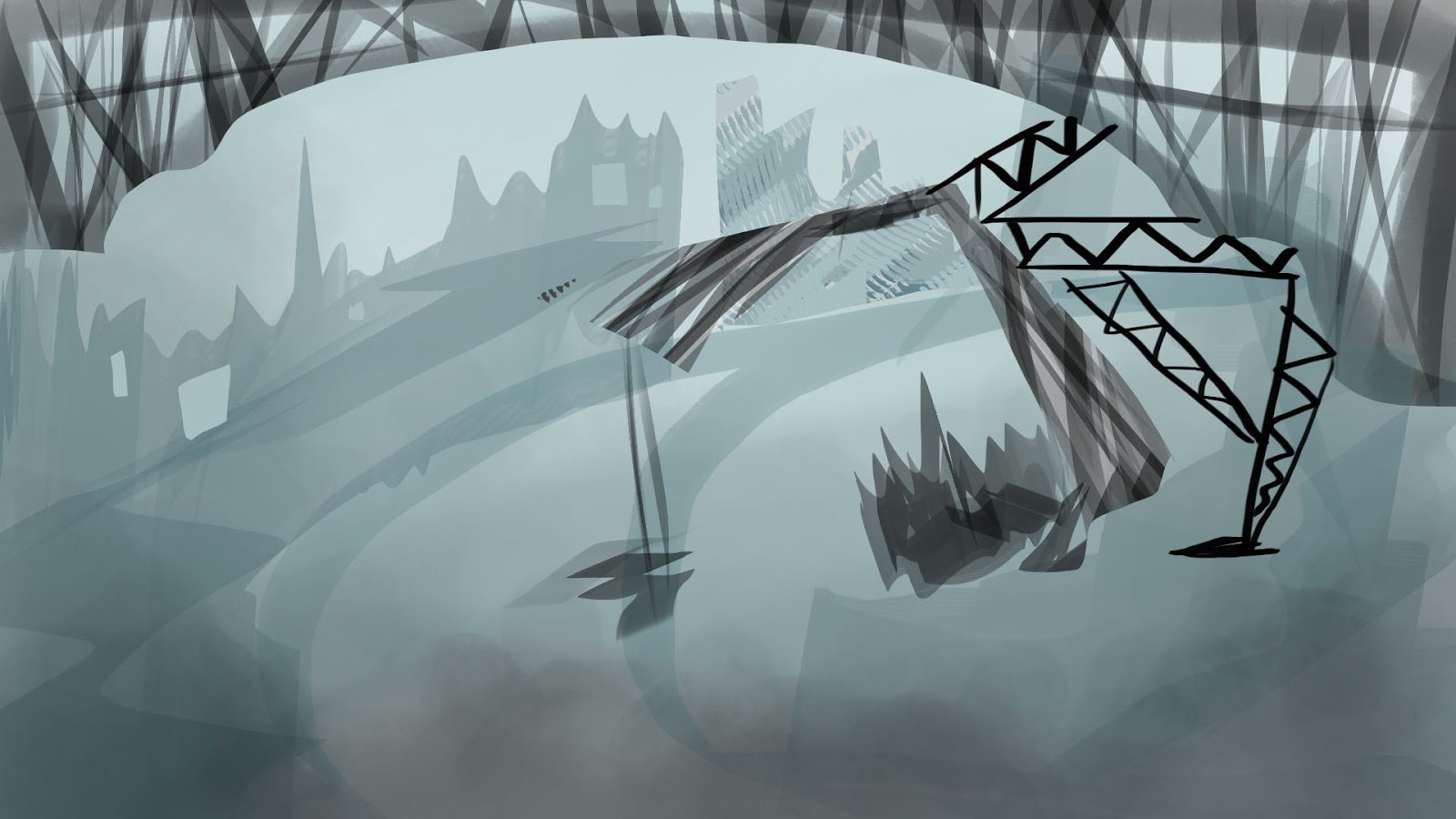
And here is the last batch of thumbnails for tonight. I feel like I am getting more and more confident with painting each and every city. I think my Photoshop paintings are improving too.
My favourites include 60, 61, 69 and 70.


 |
| Thumbnail no. 69 Thekla |
 |
| Thumbnail no. 70 Tamara |
'Invisible Cities' thumbnails 53-55
 |
| Thumbnail no. 53 Baucis exterior |
 |
| Thumbnail no. 54 Ersilia exterior |
 |
| Thumbnail no. 55 Ersilia interior |
'Invisible Cities' thumbnails 50-52
I followed Phil's advice and started painting on a 16:9 canvas. He said it would help me in terms of composition - and it did!
I love this thumbnail painting of Phyllis that I did:
I love this thumbnail painting of Phyllis that I did:
 |
| Thumbnail no. 52 Phyllis |
 |
| Thumbnail no. 50 Moriana |
 |
| Thumbnail no. 51 Octavia |
Saturday, 3 October 2015
'Invisible Cities' thumbnails 44-49
Here are some more thumbnails that I have been working on. This time, I focused on 'Moriana' and here I have tried to portray 'Moriana' as an underwater aquatic city. Therefore the colours I used were mostly blues and greens.


Tuesday, 29 September 2015
'Invisible Cities' thumbnails 38-43
Here are some more thumbnails of various cities. I used a word stack to come up with my ideas for 'Anastasia'. It helped me a lot in terms of imagining the colours and words associated with the city.
I also did the same for the others. I wanted to experiment portraying 'Leonia' as a city in the sky. My favourites are 39 and 43. I especially love how 'Esmeralda' came out.

'Invisible Cities' thumbnails 27-37
Today I worked a lot on my 'Invisible Cities' thumbnails. I experimented with a lot of different painting styles as I wanted to display a full range of styles. I really love number 27, 30, 31 and 33.


Photoshop Master Studies
This week in our Photoshop class, we worked on master studies. I loved this activity and I will be doing more of these as it was extremely helpful. It allowed me to experiment using different brushes and new tools.


Monday, 28 September 2015
Abstract Painting Exercise
We were taught how to use the lasso tool in Photoshop and then used the tool to make abstract thumbnail paintings. I really enjoyed this activity and will definitely use this tool more in my future paintings.
Here are some of my abstract paintings:

Here are some of my abstract paintings:

Subscribe to:
Posts (Atom)